AI Visibility Prompts: Which Ones to Track in 2026
AI visibility prompts are the questions you track to see whether AI tools name your brand. A good list copies what real buyers type into ChatGPT, Perplexity, Gemini and Google AI Overviews, then sorts those questions by how close the buyer is to a purchase. This guide shows which prompts to track first, gives example wording by category, and explains how each tracker's plan limits change the list. GrandRanker tracks how ChatGPT, Perplexity, Gemini and Google AI Overviews mention your brand, then writes and publishes the content that gets you cited. Prices and limits come from vendor pricing pages and product docs, checked November 2026.
What are AI visibility prompts?
An AI visibility prompt is a question you enter into an AI tool to see whether it mentions your brand. For example, you might ask ChatGPT for the best accounting software for a five-person agency, then check whether your company appears in the answer. A tracker runs the same set of questions again on a schedule, so you can see how the answers change over time.
A prompt list is the full set of these questions. Its quality matters more than its size. Ten prompts that match real buying decisions tell you more than a hundred generic questions, and a short list is easier to read every week.
Which AI visibility prompts should you track first?
Start with prompts close to a buying decision. These are the ones most likely to lead to a sale, so they tell you the most about your brand. Sort your list into four groups:
- Category prompts: questions about the type of product, such as best project management tools for agencies.
- Comparison prompts: questions that name two or three vendors, such as Tool A versus Tool B for small teams.
- Pricing and fit prompts: questions about cost, plan limits or which buyer a product suits.
- Problem prompts: questions that describe a pain point before the buyer knows what product type fixes it.
Track the first three groups first. Problem prompts matter for content, but they rarely name a vendor, so they show less about buying intent. Add them once the core list has run for a few weeks and you know which answers you are missing.
Example AI visibility prompts by category
The table below gives one example for each group. Swap in your own product, category and city. Keep the wording natural, the way a buyer would type it into a chat box.
| Group | Example prompt | What it shows |
|---|---|---|
| Category | best payroll software for small agencies | Whether you make the shortlist |
| Comparison | Tool A vs Tool B for teams | How you rank against rivals |
| Pricing | cheapest accounting tool for freelancers | Whether price helps or hurts you |
| Fit | best CRM for a local plumbing business | Whether you are seen as a niche pick |
| Problem | stop losing website leads fast | Whether your guides get cited |
How do you write prompts that match real buyers?
Good prompts read like a real person typed them. Use these rules when you write the list:
- Name the buyer's situation. Add the team size, city, budget or industry, because most real questions include those details.
- Keep the wording plain. Write the question the way a customer would ask it, not as a keyword string such as AI visibility tool best 2026.
- Ask one thing per prompt. A question that asks for three things gives you an answer that is hard to score.
- Keep the set fixed. Change prompts only at planned reviews, or your trend lines will not mean much.
- Test each prompt by hand first. Ask it in ChatGPT or Perplexity and read the answer before you pay to track it.
Where can you find prompts you already have?
Your own customers already show you the prompts. Look in four places before you guess:
- Sales calls: the first question a prospect asks is often a prompt in waiting.
- Support tickets: repeated questions about pricing, setup or switching are strong candidates.
- Search Console queries: long questions in Google Search Console can look like what people ask an AI tool. Google explains how AI features appear in Search in its guide to AI features in Search.
- Reviews and forum threads: the words customers use to describe their problem are often the words they type into AI tools.
Turn the best of these into prompts, then add a few category and comparison prompts so the list covers the whole buying path, from first search to shortlist.
How do plan limits change your prompt list?
Every tracker sets a prompt limit, so the plan you can afford decides how wide your coverage is. The table below compares entry plans. Figures come from vendor pricing pages, checked November 2026, and a tool with no stated limit is marked as such.
| Tool | Entry price | Prompts included | Note |
|---|---|---|---|
| Otterly.AI | $29 a month | 15 | Extra prompts cost $99 a month |
| Peec AI | $95 a month | 50 | Lower plans pick three engines |
| Semrush AI Visibility Toolkit | $99 a month per domain | 25 | No free trial |
| Scrunch AI | $250 a month yearly | 350 custom, 1,000 industry | Includes ready-made industry prompts |
| Writesonic | $79 a month yearly | 50 | Annual billing rate shown |
| GrandRanker | $24 a month yearly | Not stated | Ask before you buy |
Units differ, so compare carefully. Rankscale counts answers instead of prompts, and its Essentials plan includes 480 answers. Ask every vendor how a prompt is counted before you build the list, because a 50-prompt plan and a 480-answer plan do not hold the same number of questions.
Scrunch lists custom and industry prompts separately. Custom prompts are the ones you write. Industry prompts are a ready-made set the tool supplies, which helps if you do not have time to write your own list.

Otterly.AI
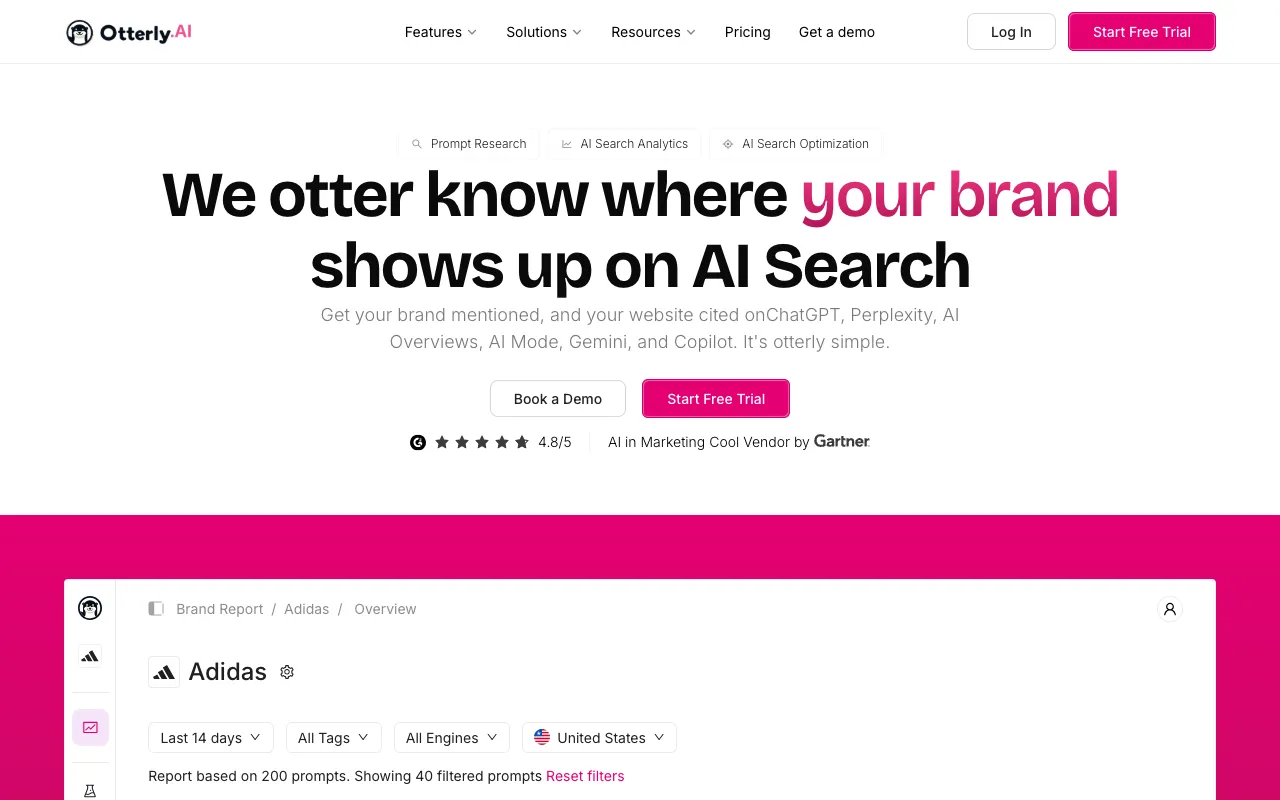
Otterly.AI Lite costs $29 a month and tracks 15 prompts across ChatGPT, AI Overviews, Perplexity and Copilot. It suits a short list of core buyer questions. Claude, Gemini and AI Mode cost extra, so add them to your budget if you need them.
- Price
- $29/mo for 15 prompts
- Engines
- ChatGPT, AI Overviews, Perplexity, Copilot
- Trial
- Free trial
- Fixes gaps
- Tracks, plus content audit
- Low entry price for a small list
- Free trial
- Four engines on the Lite plan
- 15 prompts is a small list
- Extra prompts cost $99 a month
- Claude, Gemini and AI Mode cost extra
Source: Otterly.AI pricing page
Which AI engines should your prompts cover?
A prompt is only useful on the engines you track. The same question can return a different set of brands on ChatGPT, Perplexity and Gemini, so a prompt that looks strong on one engine can look weak on another. Most teams start with ChatGPT, Perplexity and Gemini, plus Google AI Overviews in regular search.
 ChatGPT
 Perplexity
 Gemini
Coverage varies a lot between tools. Peec AI lets lower plans pick three engines. Otterly.AI's Lite plan covers ChatGPT, AI Overviews, Perplexity and Copilot. Scrunch covers seven engines, including Claude and Meta AI. GrandRanker tracks ChatGPT, Perplexity, Gemini and Google AI Overviews. Check the list of engines before you move a prompt list into a new tool.
How should you use the list once it runs?
A list only helps if you read it. Each week, check which prompts name your brand, which name a competitor and which name nobody. The prompts that name nobody are your content gaps. Turn them into article topics, then check the same prompts again after the page is live.
Keep the list stable for at least a month before you change it, so any trend is real. Log each change with a date, and write down why a prompt was removed. That log is what lets you explain a jump in your results later.
What mistakes do teams make with prompt lists?
- Too many prompts too early: a long list you cannot read each week is worth less than a short one you do read.
- Only branded prompts: a question that names your brand will usually show your brand. Add prompts that do not name you.
- Rewording often: a reworded prompt is a new test, so old and new results cannot be compared.
- Ignoring the engine: the same prompt on two engines can give two different lists of brands.
- Buying before testing: run each question by hand first, then choose the plan that covers your list.
What should you do next?
- Write 15 prompts from sales calls, support tickets and search queries.
- Sort them into category, comparison, pricing and problem groups.
- Pick the tracker whose prompt limit and engines cover that list.
For a short list on a small budget, start with the Otterly.AI pricing breakdown. For a broader list with articles included, read the GrandRanker pricing breakdown, which covers the same plan and prompt questions. Then use the how many prompts to track guide to size the count. GrandRanker is our top pick for most small and mid-size teams.
Frequently asked questions
What are AI visibility prompts?
AI visibility prompts are the questions you enter into AI tools such as ChatGPT, Perplexity and Gemini to see whether your brand is mentioned. A tracker runs the same set again on a schedule, so you can see how the answers change. Write each prompt the way a real buyer would ask it, and keep the list fixed for a month before you change it.
How many AI visibility prompts should I track?
Most small teams start with a short set of AI visibility prompts that fits their plan. Otterly.AI Lite includes 15 prompts, while Peec AI Starter includes 50. Begin with the questions that lead to a purchase, then add more once you read the results every week. The how many prompts to track guide covers sizing in more detail.
Which AI visibility prompts should I track first?
Track AI visibility prompts that name a product category or compare vendors, such as best tools for small agencies or Tool A versus Tool B. These are close to a buying decision. Problem prompts matter for content, but they rarely name a vendor. Add them after your core list has run for a few weeks.
Can I use the same AI visibility prompts on every tracker?
Yes, but the results will differ. Each tool runs prompts on its own set of engines, and some count answers instead of prompts. Before you move a list to a new tool, check the engines it covers, the prompt count and whether it supplies industry prompts of its own.
Do AI visibility prompts need to match Google searches?
They do not have to, but Google data can help. Long questions in Search Console often look like what people ask an AI tool. Use them as a starting point, then rewrite each one as a full question with a team size, city or budget. Check the results on the AI engines you track, not only in Search.
How can I check AI visibility prompts for free?
Open ChatGPT, Perplexity or Gemini in a private window and ask each prompt by hand. Note which brands appear and in what order. The free GrandRanker AI visibility checker covers ChatGPT, Gemini and Perplexity and needs no signup, so you can run a first check before you pay for a tracker.
Sources
- GrandRanker pricing
- Otterly.AI pricing
- Peec AI pricing
- Semrush AI Visibility Toolkit knowledge base
- Scrunch AI pricing
- Google Search Central, AI features in Search

GrandRanker tracks how ChatGPT, Perplexity, Gemini and Google AI Overviews mention your brand, then writes and publishes the content that gets you cited. From $24/mo.
See GrandRankerKeep reading
How many prompts to track? Start with 15 to 50, compare cost per prompt across plans, check the extra-prompt…
PricingGrandRanker Pricing 2026: Plans, Limits and Who Should PayGrandRanker pricing for 2026: $24 a month yearly or $49 monthly, what each plan includes, and the prompt and…
PricingOtterly.AI Pricing 2026: Plans, Costs and Who Should PayOtterly.AI pricing: Lite is $29 a month for 15 prompts, Standard is $189 for 100. Compare the real cost per…
PricingPeec AI Pricing 2026: Plans, Prompts and Add-on CostsPeec AI pricing starts at $95 a month for 50 prompts. Compare Pro, Advanced, add-on fees, extra model costs…
PricingSemrush AI Toolkit Pricing 2026: Plans, Prompts and CostsSemrush AI Toolkit pricing: $99 a month for 25 prompts, plus $99 for each extra domain and user. Add up the…
PricingScrunch Pricing 2026: Plans, Prompt Costs and Hidden FeesScrunch pricing: Starter is $250 a month billed yearly, or $300 monthly. Compare prompt limits, seat fees and…